
How it works
From proposal to proof, in one shared record
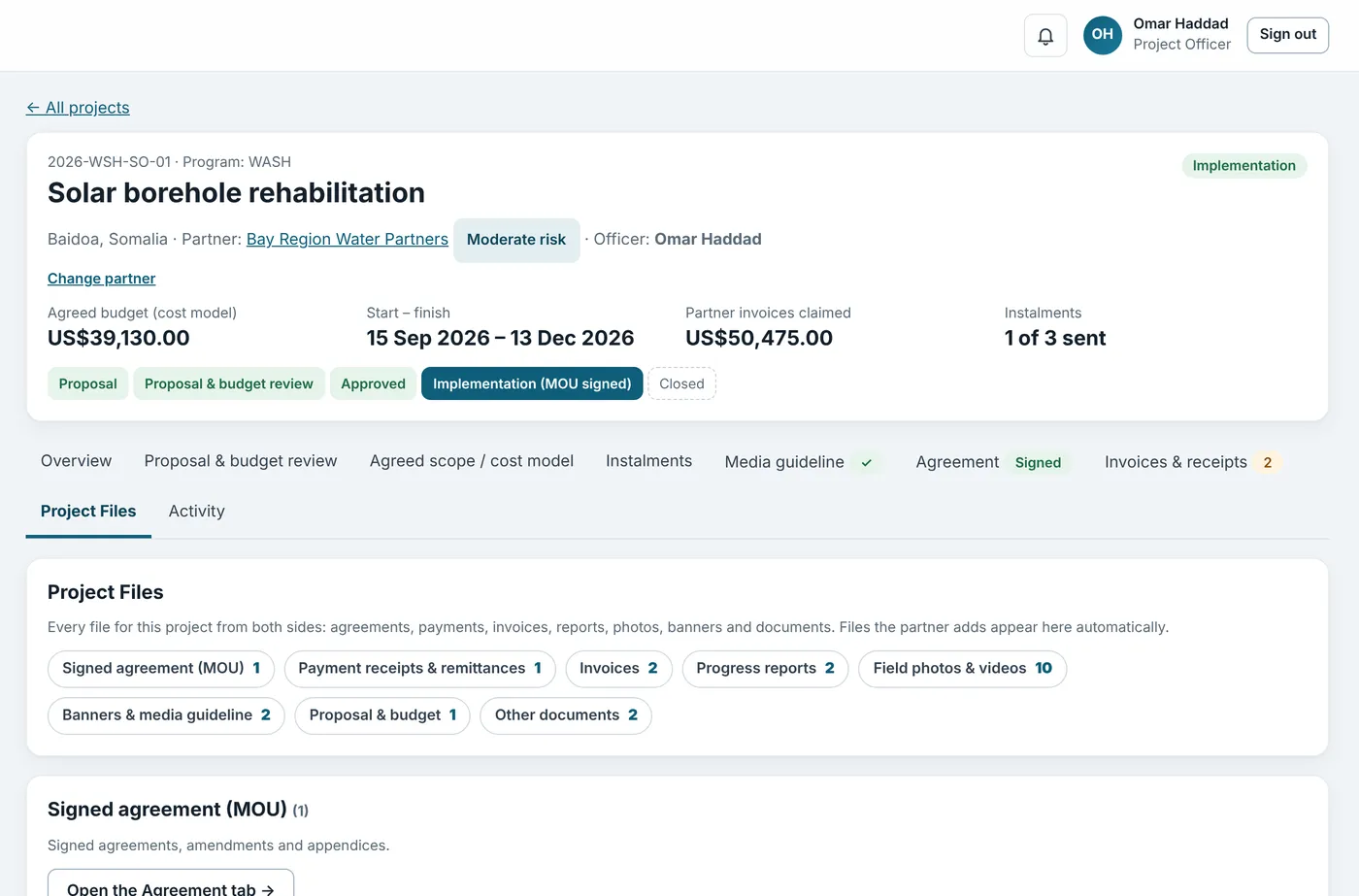
Your team works in the organisation portal. Your partners work in their own portal. Both see the same project, so nothing is copied, lost or out of date.
- Proposal
- Budget check
- MOU
- Instalments
- Invoices
- Field evidence
What you see every morning
Your whole partner portfolio at a glance
An example of the Org Admin dashboard. Every chart is live from the projects, payments and invoices in AidLens. Example · fictional data
Projects by stage
- Proposal 4
- In review 3
- In implementation 9
- Closed 2
See where work is stuck before it becomes a problem.
Agreed budget by country
- Somalia US$420k
- Bangladesh US$310k
- Yemen US$260k
- Kenya US$140k
Know how much is committed where, in one currency.
Instalments to partners
- Sent US$702k
- Waiting approval US$158k
- Due next US$270k
Decide what to approve today, and what is coming next.
Partner invoices
- Accepted 46
- To review 9
- Queried 5
- Rejected 2
See how much spending is backed by checked receipts.
Notifications, not chasing
Everyone is told when something needs them: a partner request, an approval, a rejection with its reason, a new invoice or report. Each person's dashboard has a “Needs your attention” view.
Want to see it with your projects?
We set up a pilot with two or three of your projects.